Circle generator
A downloadable circle generation tool for Windows
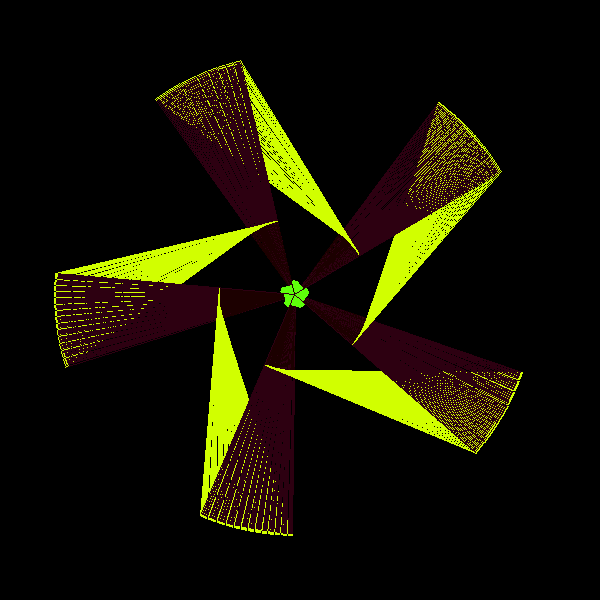
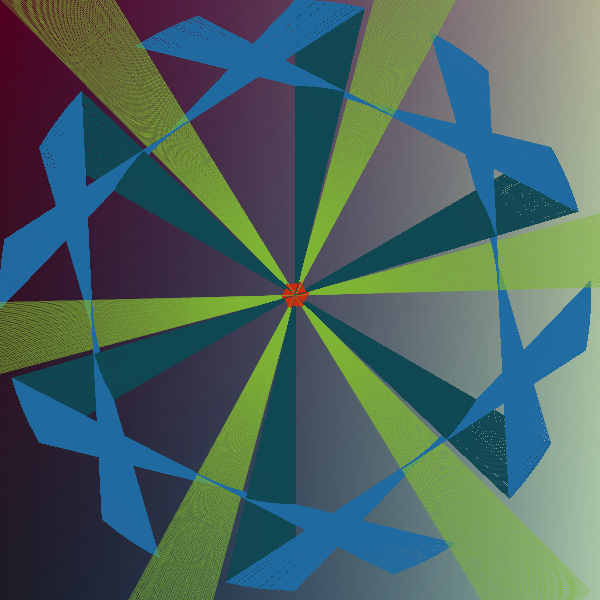
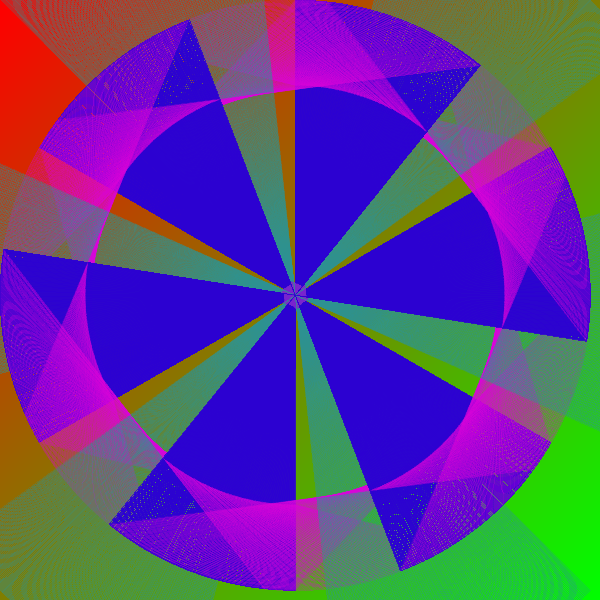
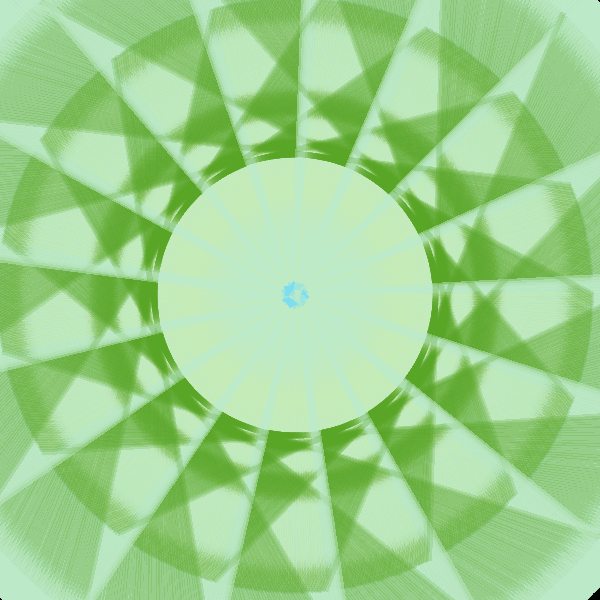
Circle generator is a lightweight, simple to use java tool for creating customizable procedural and manual circles. You may generate circles manually with your mouse or use randomized parameters to create different shapes thus forming a circle.
Complete video showcase coming soon!
Included but not limited features
- Random and manual circle generation with custom settings and configurable values
- Circle image manipulation
- 255 bit colors for every part of the circle (transparency included)
- Ability to export the circle as an image or project file (later load-able ".mkcircle18_03" file)
- Custom background and gradient settings
- Advanced mouse patching for users with high mouse scroll sensibility
- Options menu and some other settings
- Undo and redo actions
- Circle draw order (currently not functioning well)
- Debug screen (developer mode) with some debug and general information on the circle that is generated
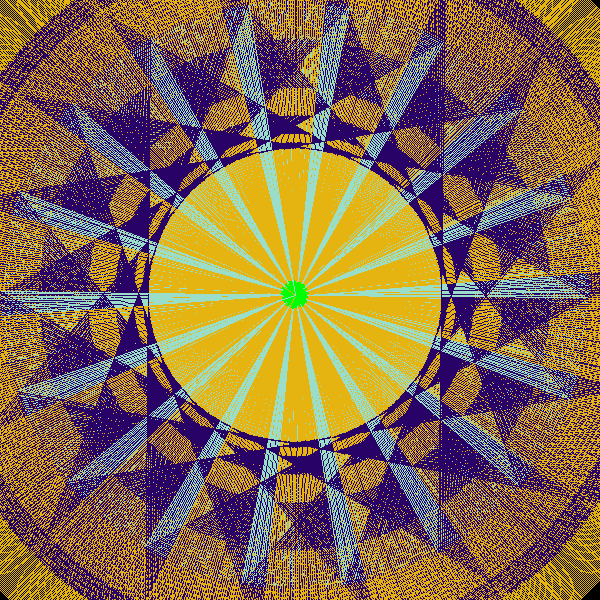
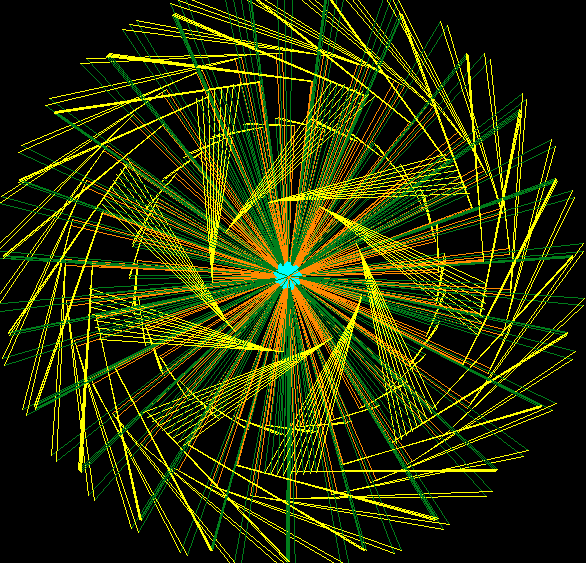
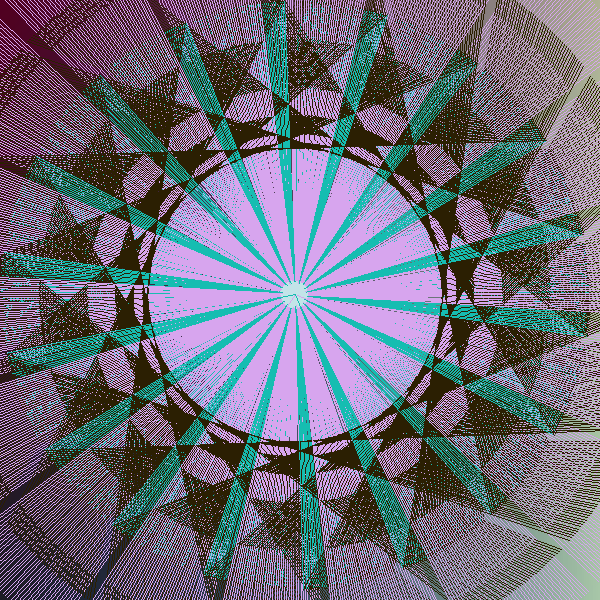
It is notable to say that the circles are generated/made of altered triangles and lines that, when combined, create amazing circles in unique ways.
Information
I would recommend using JAVA 8 as this app is made in that java version. I am unsure if the app will work on linux or mac or any other OS besides windows so if you can, please do test it. To run the app just double click the .jar file you have downloaded.
Upon starting up the application you will be greeted with a small notice box instructing you the following:
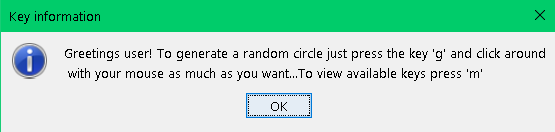
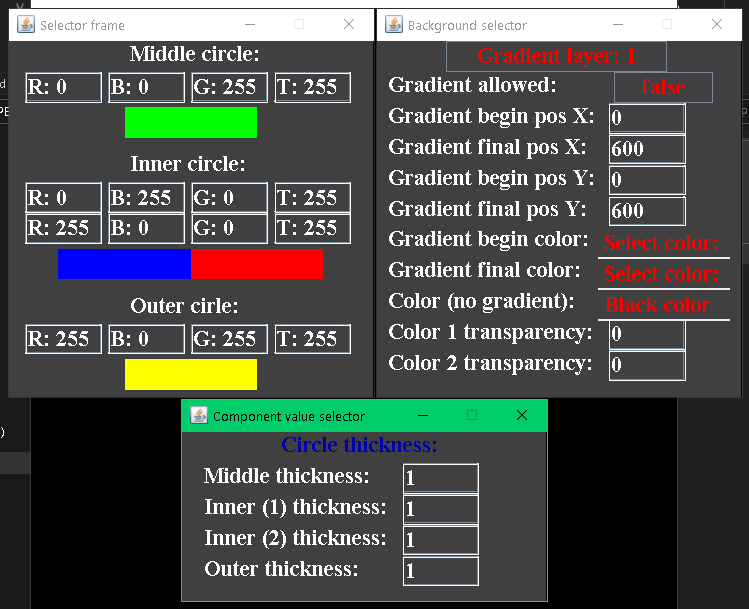
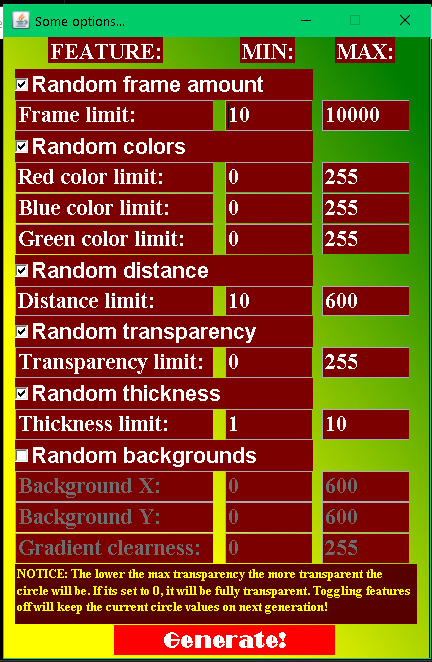
Upon pressing the default key to generate a frame ("g") you can then click around with your mouse and a frame will be generated per click in a specific angle and rotation based on the location of the click. You may continue clicking as much as you wish. If you press the generate frame key again, you will get 2 frames per click and so on. There is a custom menu where you can customize the circle and background colors and their transparency and also a menu where you set randomization parameters and generate circles based off of those parameters.
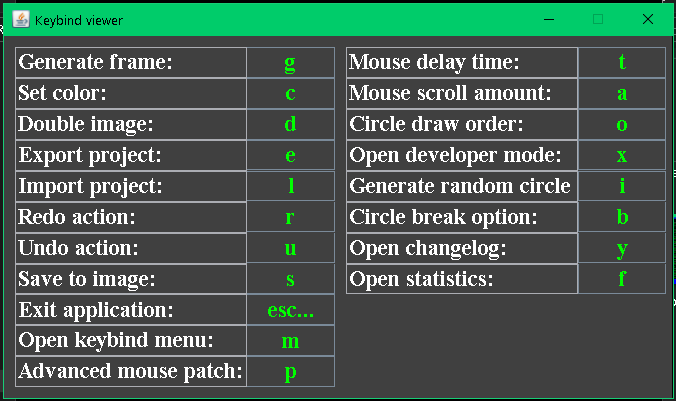
You can see other keys and options in the keybinds menu (press "m") and also toggle said keys to your own liking.
Keybinds menu:
Color selection, background selection and thickness selection menu:
Randomization menu:
General draw area and developer menu:
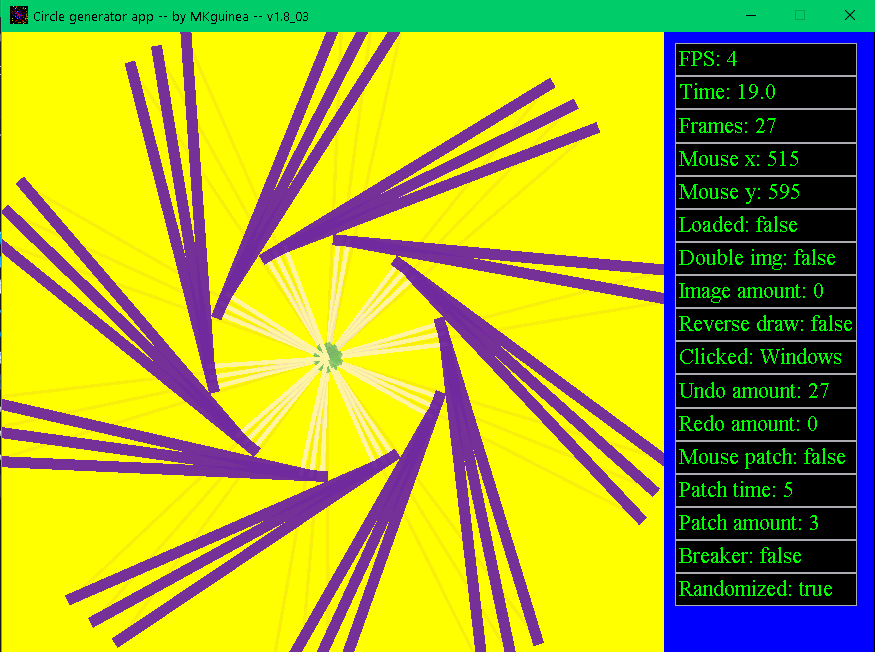
As long as the FPS remains above 3 the application is stable and responsive. Due to certain issues that may or may not have been resolved in update V1.8_03 the current recommended frame amount to be under is about 25 000 or you may go below 4 FPS. You can go above that amount of frames but do not expect the app to perform well (on older devices) until the issue is fixed. Further testing is required.(Note: an average circle contains from 200 to 3000 frames so that's not really an issue)
Please do report any bugs or glitches you find within the app! Have fun generating circles! If you also have any questions feel free to ask!
Minimal requirements and device used in testing:
- System Model - HP 250 G6 Notebook PC
- Processor - Intel Celeron CPU N3350 - 1.10GHz - 2 Core(s)
- RAM - 4GB
- OS - Windows 10
- GPU - Intel HD Graphics 500
Future plans and development ideas
More transparency options to alterAdded!- Instructed randomizing (you can generate a set number of circles and save them while doing nothing)
- Custom window shapes and also the ability to resize the currently static 600x600 pixel window.
- Add a crash log menu/export system for bug reporting and validation purposes
Known issues
- Double image option does not function properly - Partially fixed
- High frame amount might cause performance issues on old devices
Changelog text in the menu might be overflown on some devicesFixed!
Download
Install instructions
I would recommend using JAVA 8 as this app is made in that java version. I am unsure if the app will work on linux or mac or any other OS besides windows so if you can, please do test it. To run the app just double click the .jar file you have downloaded.
Development log
- 1.8_03 UPDATE!1 day ago
- 1.8_02 UPDATE!5 days ago
Comments
Log in with itch.io to leave a comment.
mk guess what i made an accoun
Absolute cinema :O